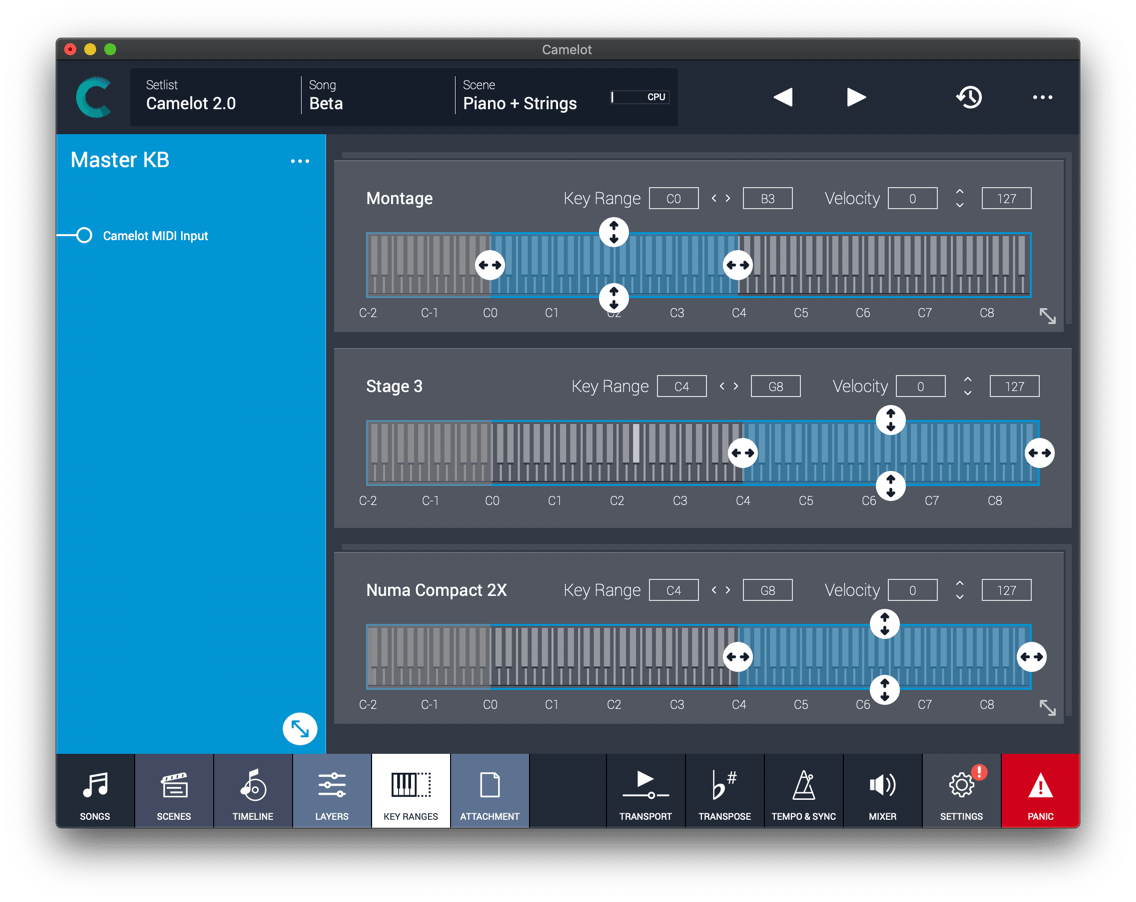
Start by expanding the layer. Then, expand the item you want a specific key range for. In cases like this, the item's key range will be a subset of the layer setting.
If the item has multiple parts, you can expand it and then expand the part you want to assign a more specific key range to.
Was this article helpful?
That’s Great!
Thank you for your feedback
Sorry! We couldn't be helpful
Thank you for your feedback
Feedback sent
We appreciate your effort and will try to fix the article